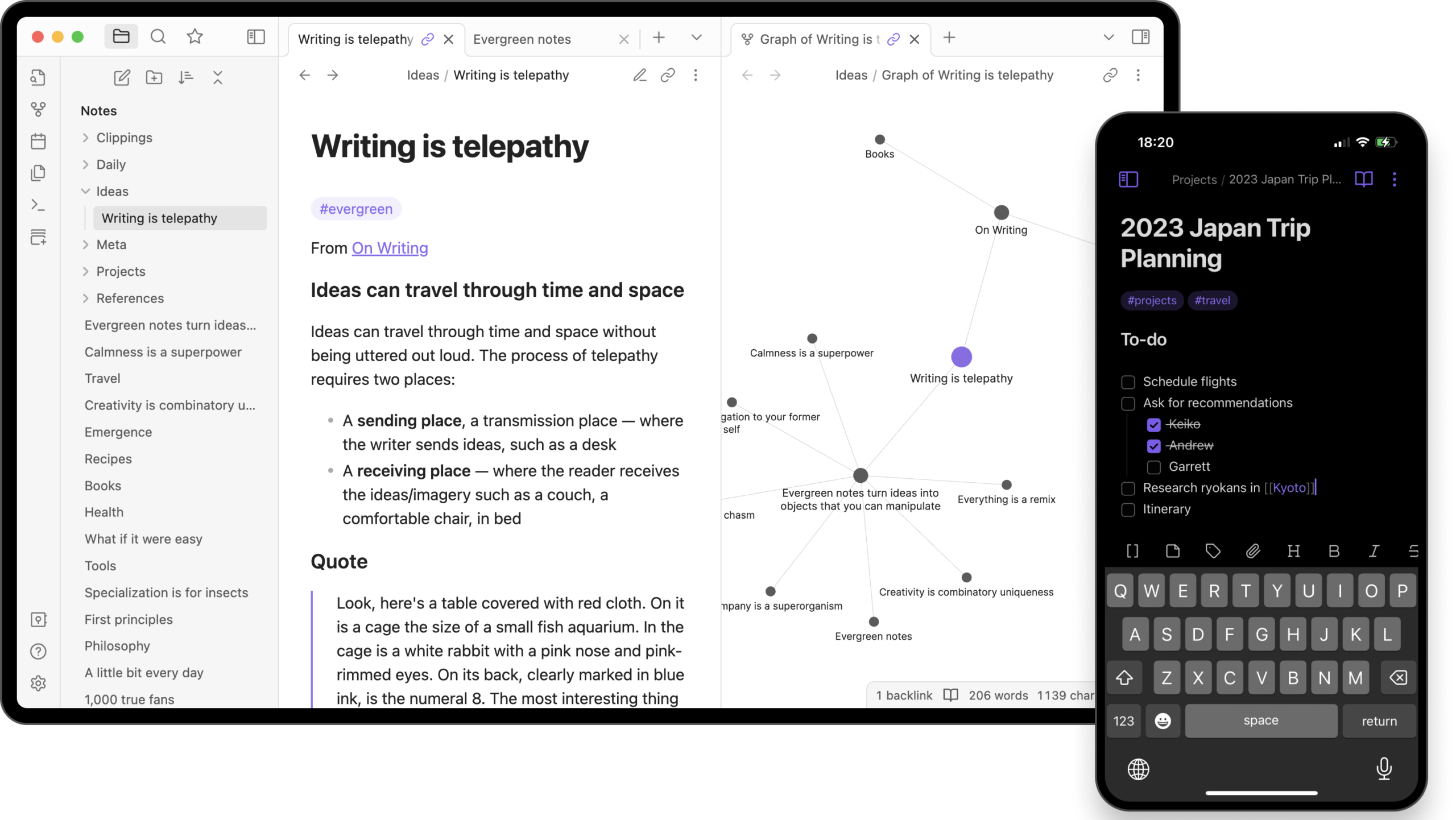
Before I run through why I no longer have Obsidian installed on any of my devices, I want to make sure I’ve explained what parts of Obsidian I like.
Obsidian is a very solid app for anyone looking to start taking knowledge management seriously, but that’s about all it’s good for. Some may argue that the various plugins you can get for Obsidian put it on the same level as something like Notion but if you’re looking for project management and collaboration and anything other than a really solid system for linking notes then Obsidian isn’t for you.
I absolutely love the design of the app. It’s extremely customisable, I love the fact that my notes are saved in markdown so that no matter what they’re always safe, and I love the writing experience. But if the only box that Obsidian ticks for me is knowledge management then it’s just not quite what I’m looking for.
You may remember that I said I would be using Obsidian for taking notes over Notion. This was true for a while however after a while I felt myself being drawn back to Notion. Despite it’s lack of offline support and no graph view, Notion still felt more homely to me than Obsidian ever could.
I feel like Notion just does too much right for me to not at least try using it for knowledge management. It may not do it quite as beautifully as Obsidian but it manages to take a good stab at what Obsidian does whilst also integrating into my project planning and task management. This is the killer for me. Not being able to link knowledge to a task, or a project, was dragging me down in Obsidian. The amount of work I’d put into Notion’s database system to allow for me to seamlessly link between tasks, projects and resources had disappeared when I started using Notion and I thought it would be something that I could get over. I was wrong. I need that interconnected Notion magic to make my workflow feel frictionless and switching back and forth between the two apps just wasn’t cutting it.
So, now that Obsidian is out of the picture, how am I filling the gap that it left. Notion obviously. I already had a database in Notion for storing resources in my version of a PARA (Projects, Areas, Resources, Archive) setup. Although mine is more of a PART (Projects, Areas, Resources, Tasks) setup. Initially my plan had been to create a new note as I would in Obsidian and use the relation feature of Notion databases to then link that note to any that were relevant. This solution seemed logical and made perfect use of Notion’s killer feature however it just didn’t feel as natural as Obsidian and felt far too hierarchical. The solution was instead, backlinks, which act in almost the same way as a relational database but can be dotted throughout a note rather than only in the metadata of a new page. This comes close enough to what Obsidian achieves and only misses the mark in the space of “unlinked mentions”, which essentially locates any mentions of a word that you’ve used but haven’t created a physical link to. I didn’t use this enough however to actually miss it all that much. Notion also has a better solution to dealing with external content as well. Although Obsidian allows embedding of content using iframes, it just doesn’t feel quite as fluid as Notion, especially for YouTube videos.
Obsidian and Notion both have syncing solutions, however the simple fact is that Notion’s is free for me since I’m a student and Obsidian’s isn’t. An easy decision. There are workarounds for Obsidian to sync for free such as GitHub which is something I’m comfortable with already however there’s just far too much friction in that solution for it to be a viable solution for me.
So all in all, Obsidian is still a great app but it just doesn’t do enough for me to want to keep it. I’ve been spoiled by Notion’s almost limitless capabilities and I’m now far too lazy to be jumping between two apps. So Notion team, well done, you clawed me back and I now use Notion for everything again but please for the love of God give me an offline mode, and if you’re feeling super generous a graph view would be nice as well.
If you’ve read this far well done. I’ll likely post again detailing my solution to notetaking in Notion at some point once I’ve got it down to a tee.



Leave a Reply