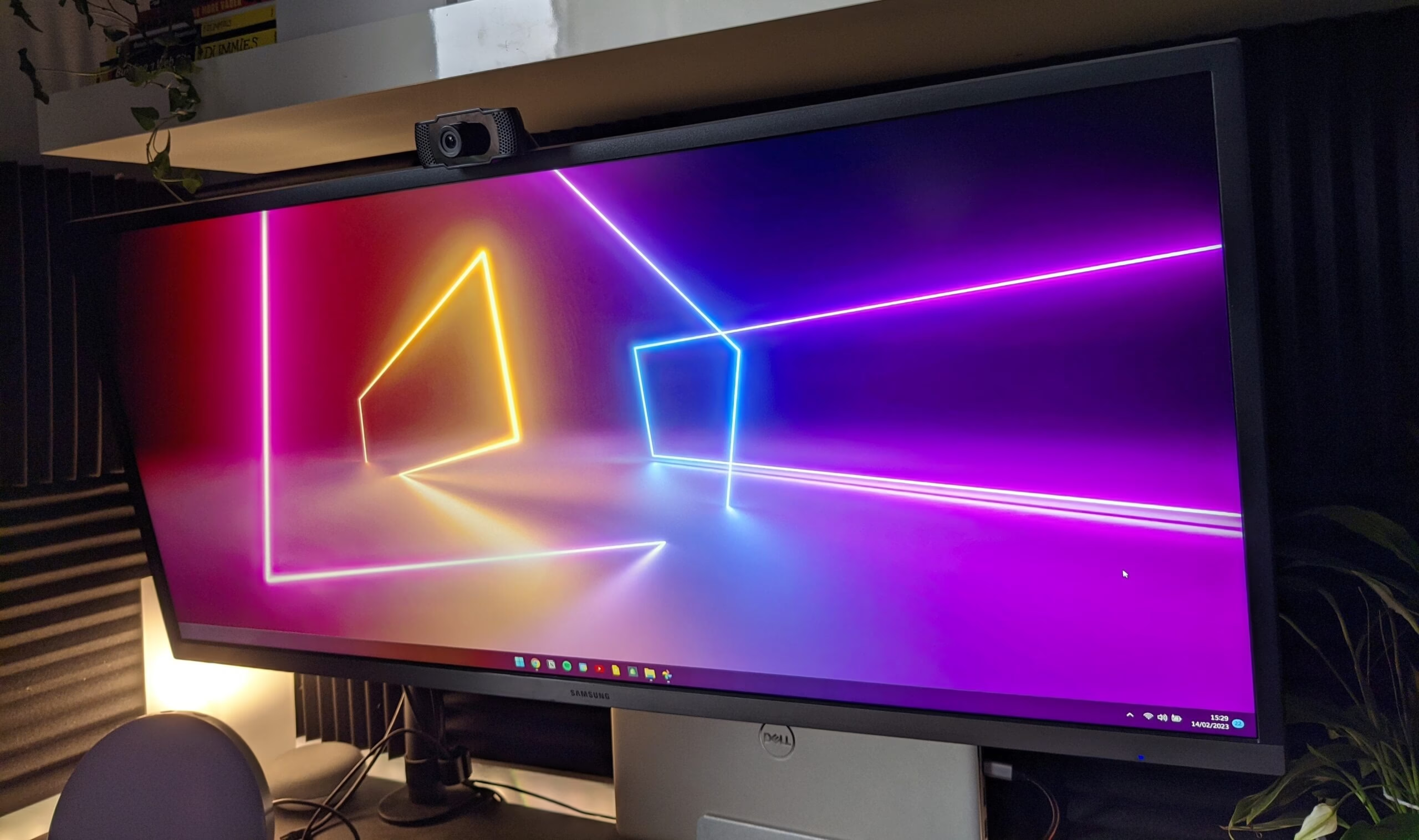
What is an ultrawide monitor? If you’re asking whether you should buy an ultrawide then you probably already know the answer to this question but I’ll tell you here anyways just in case.
An ultrawide monitor is an monitor that has an aspect ratio of 21:9, as opposed to the standard wide ratio of 16:9. There is monitors with even higher aspect ratios such as 32:9, which is known as super ultrawide (inventive naming I know). These are in a significantly higher price bracket than that of the 21:9 variety so I avoided them.
So why even consider an ultrawide? The main benefit for me was having the ability to stick two windows side by side and be able to read more of both of them. Vertical screen real estate is only really good for working on anything that requires either a lot of scrolling of anything that takes up the full screen. This does not fit my work type. I’m either taking notes from a PDF using a browser and Notion, or programming using documentation and a code editor. On my previous monitor, a 16:9 1080p acer monitor that I paid around £80 for I always found myself having to switch between virtual desktops to read documentation while I worked. This was a minor inconvenience but enough to push me towards the ultrawides.
When searching for an ultrawide, budget was my main concern as I was very aware that ultrawides could be far more expensive than similar wide monitors. After reading through reviews and watching a pile of videos I settled on a screen size and resolution that would fit in my budget and also give me the additional space that I was after. I landed on a 34 inch 1440p monitor made by Samsung. Some monitors were available at a 1080p resolution however many reviews said that at the increased size at 1080p just didn’t quite cut it and I would have at least liked to have seen similar visual quality to my old monitor rather than a downgrade. I found that the best way to visualise the differences in screen size was to use a website called https://www.displaywars.com/. Simply plug in the aspect ratio and size of the displays that you’re looking to compare and this site will show you the two sizes stacked on top of one another. This solidified my decision for a 32 inch monitor as it appeared to give me just the right amount of space.
So, the monitor I got. I bought it on Amazon Prime day and you can get the link here (https://amzn.to/3sB7igp). Even after seeing the box that the monitor arrived in I knew I was going to be happy with the size increase. It comes with a stand to pop the display on however I already had a single arm mount to reduce the amount of clutter on my desk so all I had to do was remove the old monitor and slide the new one in it’s place. After a bit of cable management and re-arranging everything was nice and tidy and there the monitor was in all it’s glory. You can see the specs on the Amazon page so I won’t list them here but let me tell you it looks good. Now it’s not the world’s best, but when it comes to ticking the right boxes and getting value, this monitor hits the nail on the head. For gaming, probably not the monitor for you, but for working on, this monitor is perfect. It’s even got a slightly higher than average refresh rate of 75Hz rather than the standard 60, although only through one of the HDMI ports not both.
After spending a few months in the ultawide universe I can back anyone that says that ultrawide is the best monitor to go for. If I wasn’t on a budget I would probably even go for one of those fancy 49 inch ones that Samsung makes, but until then this monitor will certainly do the trick.



Leave a Reply